Many brands run their online store on WordPress with WooCommerce. If that is your setup, you can still sell on TikTok Shop without managing two separate catalogs. Connecting WooCommerce to TikTok Shop lets you sync products, keep stock aligned and process TikTok orders alongside website orders.
This guide explains the options for connecting WooCommerce to TikTok Shop, what to prepare, common problems and how to test the integration before you rely on it. Integration tools change regularly, so check the current options available for your market and WooCommerce version.

Why Integrate Instead of Managing Separately
Without an integration, every product update, price change and stock adjustment has to be made twice, and orders from TikTok must be processed manually. As volume grows, this leads to overselling, mismatched information and delays that hurt your TikTok Shop performance. An integration makes WooCommerce the source of truth and keeps TikTok Shop in sync automatically.
Integration Options
- Official or partner plugins: TikTok has offered plugins and partner integrations for WooCommerce covering ads tracking and, in some cases, shop sync. Check what is currently available in the WordPress plugin directory and TikTok's partner list.
- Multichannel connectors: third-party tools such as CedCommerce and other marketplace connectors sync WooCommerce products, inventory and orders with TikTok Shop.
- Order management systems: an OMS can sit between WooCommerce, TikTok Shop and other channels. See our OMS guide.
- Custom API integration: developers can connect directly using TikTok Shop and WooCommerce APIs for full control.
Preparing Your WooCommerce Catalog
Clean data makes integrations work. Before connecting:
- Give every product and variation a unique SKU.
- Add accurate weights and dimensions.
- Ensure product images meet TikTok's requirements and each variation has its own image.
- Review titles and descriptions for TikTok's rules, removing promotional text and prohibited claims.
- Check categories and attributes, since TikTok may require attributes WooCommerce does not hold by default.
Our guides to listing optimization and product images explain what TikTok listings need.
Variable Products and Variations
WooCommerce variable products map to TikTok Shop variants. Make sure attribute names and values are consistent, such as Size and Colour, and that each variation has stock, price, SKU and image. Inconsistent variation data is one of the most common sync errors.
Inventory Sync
Check how frequently your integration syncs stock. Near real-time sync is ideal for TikTok, where demand can spike quickly. Set buffers so TikTok shows slightly less stock than you hold, reducing oversell risk. Avoid editing stock directly in TikTok Shop if your integration uses WooCommerce as the source of truth. Our inventory forecasting guide covers buffers.
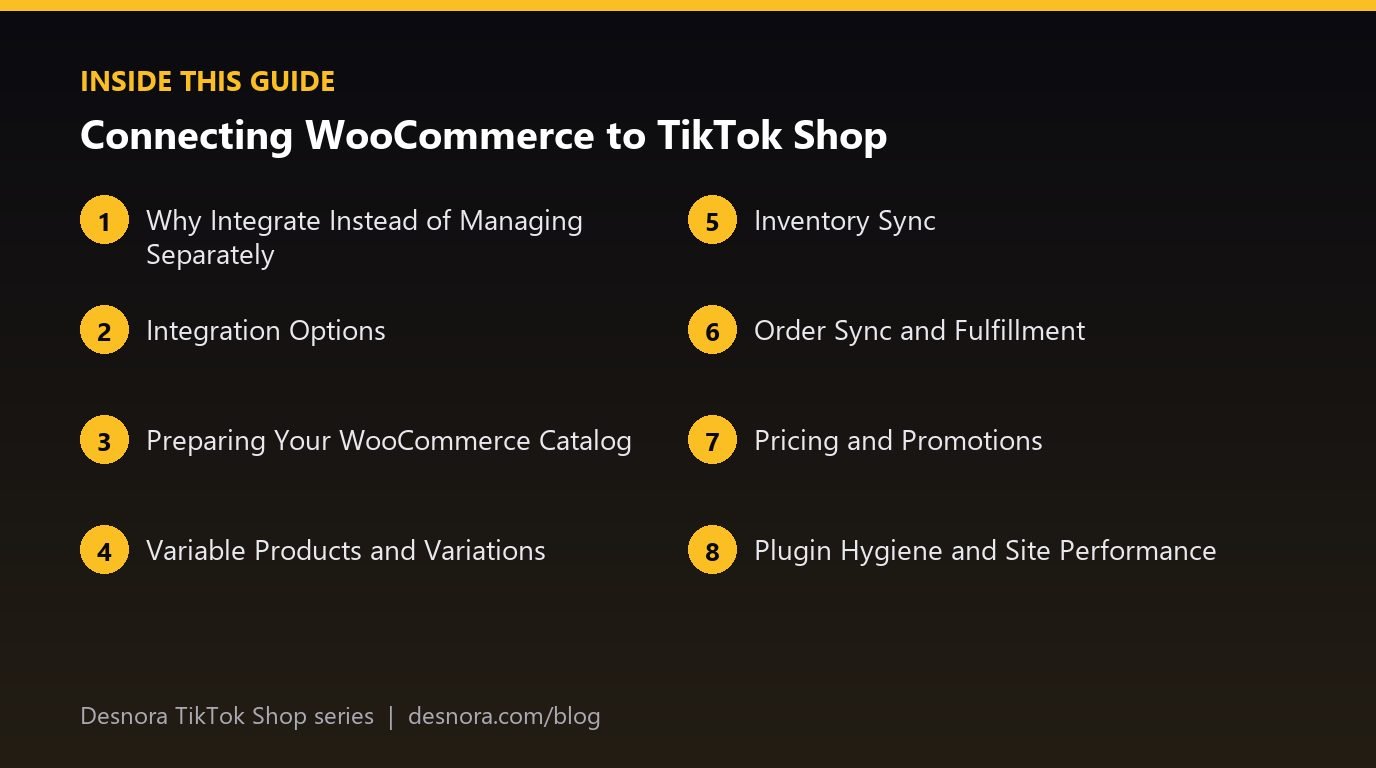
Order Sync and Fulfillment
TikTok orders should appear in WooCommerce quickly, clearly marked with their source, so your fulfillment process can handle them. Once shipped, tracking must flow back to TikTok promptly to avoid late dispatch issues. Confirm how your integration handles TikTok shipping labels if you use TikTok's shipping service. Our shipping performance guide explains why speed matters.
Pricing and Promotions
Decide whether TikTok prices match your website. Create TikTok-specific promotions in Seller Center rather than WooCommerce coupons, which do not apply on TikTok. Keep prices aligned to comply with platform pricing policies. Our pricing strategy guide covers this.
Plugin Hygiene and Site Performance
WordPress sites often run many plugins. Too many or poorly maintained plugins can slow your site and cause conflicts. Keep WooCommerce, WordPress and integration plugins updated, test updates on a staging site where possible and monitor for errors after updates. A broken plugin after an update can silently stop order sync.
Common Integration Problems
- Products fail to sync: missing SKUs, invalid images, unmapped categories or missing attributes.
- Listings rejected: website copy with claims or wording TikTok does not allow.
- Stock mismatches: slow sync, manual edits in TikTok or multiple stock locations.
- Orders missing: connection errors, authentication expiry or plugin conflicts.
- Tracking not updating: fulfillment plugins not passing tracking to the integration.
Testing Before Launch
Place test orders and follow them end to end: the order appears in WooCommerce, stock updates on both channels, fulfillment processes it, tracking reaches TikTok and refunds sync correctly. Test variable products and bundles specifically. Fix problems before promoting products with creators or ads.
Monitoring After Launch
Check sync logs and error notifications daily at first, then regularly. Set alerts for failed syncs. Assign one person to own the integration so issues are fixed quickly. Re-check after every plugin or platform update.
When to Upgrade Your Setup
If you add more channels, warehouses or complex bundles, a simple plugin may not be enough. That is the point to consider an OMS or a more capable connector. Our fulfillment options guide explains how setups evolve.
Hosting and Server Performance
WooCommerce runs on your own hosting, so server performance affects your integration. Slow or overloaded hosting can delay order imports and stock updates, especially during TikTok traffic spikes. Choose hosting that can handle bursts of activity, use caching carefully so it does not interfere with stock data and monitor server resources during campaigns. Many integration problems that look like plugin issues are actually hosting limits.
Managing Multiple Warehouses
If you ship from more than one location, WooCommerce alone may not track stock by warehouse in the way TikTok needs. Multi-location inventory plugins or an order management system can handle this, routing TikTok orders to the right warehouse and syncing location-level stock. Plan this before you scale, since retrofitting multi-warehouse logic during a busy period is risky.
Keeping Product Content Different Where Needed
Your website descriptions may be long, SEO-focused and written for desktop readers. TikTok listings need shorter, mobile-friendly copy and different images. Some integrations let you override titles, descriptions or images for TikTok while keeping stock and prices synced. Use this to optimise each channel without breaking the shared data foundation.
Security and Access
Integrations need API keys or authorisation to access your store. Use dedicated credentials where possible, limit permissions to what the integration needs and revoke access for tools you stop using. Keep WordPress admin accounts secure with strong passwords and two-factor authentication. Our seller scams guide covers account security.
Reporting Across Channels
With orders from both channels in WooCommerce, you can build combined reports. Tag TikTok orders clearly so you can separate channel performance, compare margins and track how TikTok activity affects website sales. Our halo effect guide explains cross-channel measurement.
Handling Returns From TikTok Orders
Returns requested through TikTok Shop must update WooCommerce stock and records. Confirm whether your integration syncs refunds and returns automatically, and set a clear process for restocking returned items. Without it, stock levels drift and refunds may be missing from your accounts. Our returns guide covers the customer side.
Getting Developer Help
If your WooCommerce store is heavily customised, an experienced developer can save time by auditing compatibility, cleaning data and configuring the integration. Brief them on TikTok's requirements and test thoroughly together before launch.
Common Mistakes
- Connecting without cleaning SKUs and variation data.
- Editing synced products directly in TikTok Shop.
- Ignoring plugin updates and conflicts.
- Not testing tracking and refunds.
- Using WooCommerce coupons expecting them to work on TikTok.
- No owner monitoring sync errors.
WooCommerce Integration Checklist
- Unique SKUs and complete product data.
- Integration tool chosen and connected.
- Categories and attributes mapped.
- Inventory buffers set.
- Order, tracking and refund sync tested.
- Plugin updates tested on staging.
- Integration owner and alerts in place.
Desnora connects WooCommerce, Shopify and Amazon with TikTok Shop for brands. Explore our TikTok Shop services or talk to us.
Frequently Asked Questions
Can WooCommerce connect to TikTok Shop?
Yes, through official or partner plugins where available, multichannel connectors, order management systems or custom API integrations.
What should I prepare before connecting WooCommerce?
Unique SKUs, accurate weights and dimensions, compliant titles and descriptions, suitable images and mapped categories and attributes.
Why are my WooCommerce products not syncing?
Common causes are missing SKUs, invalid images, unmapped categories, missing attributes and inconsistent variation data.
Do WooCommerce coupons work on TikTok Shop?
No. Create TikTok-specific promotions in Seller Center instead.
How do I avoid overselling with WooCommerce and TikTok?
Use frequent stock sync, set inventory buffers and avoid editing stock directly in TikTok Shop.
Can plugin updates break my TikTok integration?
Yes. Test updates on a staging site where possible and monitor sync after every update.
How should variable products be set up?
Use consistent attribute names and values, with stock, price, SKU and image for every variation.
When do I need an OMS instead of a plugin?
When you add more channels, warehouses or complex bundles that a simple plugin cannot manage reliably.
How do I test a WooCommerce integration?
Place test orders and confirm order sync, stock updates, fulfillment, tracking upload and refund sync, including variable products.
Who should manage the integration?
A named owner who monitors sync logs and alerts and fixes issues quickly, especially after updates.
Can slow hosting affect my TikTok integration?
Yes. Overloaded hosting can delay order imports and stock updates during spikes, so choose hosting that handles bursts and monitor resources.
Can I use different product descriptions on TikTok and WooCommerce?
Some integrations let you override titles, descriptions or images for TikTok while keeping stock and prices synced, which helps optimise each channel.