On TikTok Shop, the video does the selling and the product page closes the deal. A shopper who taps the basket after watching a creator demo arrives curious but not yet committed. If the page looks different from the video, leaves an obvious question unanswered or loads with a confusing variant menu, that shopper swipes back to the feed and the sale is gone.
Listings also matter for discovery. The Shop tab and in-app search let shoppers look for products directly, and TikTok's recommendation systems use listing information to decide which products to show to whom. A well-built listing works harder in both situations. This guide covers each element of a high-performing TikTok Shop product page.

How Shoppers Reach Your Product Page
Understanding entry points shapes how you write. Most traffic arrives in one of four ways:
- From a video: the shopper has seen the product in use and wants to confirm the price, options and delivery time.
- From a LIVE stream: the shopper is excited and moving fast; clarity and a simple checkout matter most.
- From search in the Shop tab: the shopper typed a keyword and is comparing several products, much like on a traditional marketplace.
- From a recommendation: the product appeared in a shopping feed or "you may also like" area, and the main image and title must earn the click.
Your listing must serve all four. That means a searchable title, a main image that stands out in a grid, and a page that quickly confirms value for viewers coming from content.
Writing Titles That Rank and Convert
A TikTok Shop title should tell a shopper exactly what the product is in the first few words, then add the details that help search. A reliable structure is: brand, product type, key feature or benefit, then size, quantity or variant information.
For example, a weak title might read "Amazing Glow Serum Best Seller!!". A stronger version reads "YourBrand Vitamin C Brightening Face Serum, Lightweight Daily Serum for Dull Skin, 30ml". The second title includes the terms people search for, describes the benefit without exaggeration and avoids hype words that can trigger review problems.
Title best practices:
- Put the core product type early, since the beginning of the title is most visible on mobile.
- Use natural language rather than stuffing every possible keyword.
- Avoid all caps, emojis, excessive punctuation and promotional phrases like "free shipping" or "sale".
- Avoid claims you cannot support, such as "best", "number one" or medical promises.
- Stay within the character limit for your category and check how the title truncates on a phone screen.
Finding the Right Keywords
Keyword research on TikTok Shop starts inside TikTok. Type your product type into the search bar and note the autocomplete suggestions. Look at the titles of top-selling competing products and the words creators use in their captions and voiceovers. Customer reviews on your own and competing products are a goldmine for the exact language buyers use.
If you sell on Amazon, your existing keyword research is a useful starting point, but adapt it. TikTok shoppers often use more casual, trend-driven terms. A "dehumidifier" on Amazon might be searched as a "mini dehumidifier for bedroom" on TikTok, and trend names can drive search volume for weeks.
Descriptions That Answer Questions
The product description should be scannable on a phone. Start with a short paragraph that sums up what the product is and who it is for, then use short bullet points for key benefits and specifications. End with practical information: what is in the box, how to use the product and care instructions.
Write for the shopper who just watched a video. They already know what the product does in principle, so the description should answer the questions that block a purchase: Will it fit? Does it work with my device? How long does it last? Is it safe for sensitive skin? What does the pack include? If customers keep asking the same question in messages or comments, add the answer to the description.
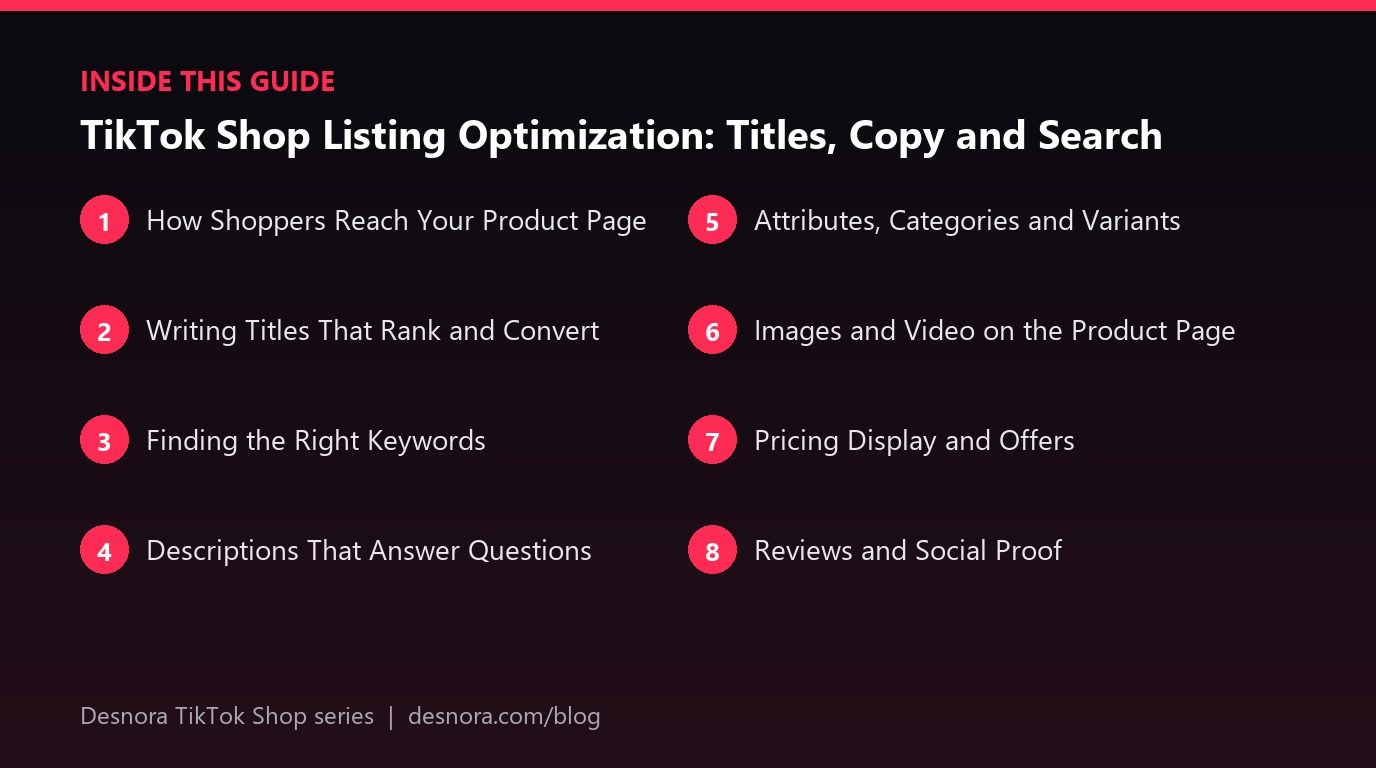
Attributes, Categories and Variants
Select the most specific category possible and fill in every relevant attribute, such as material, colour, size, compatibility, skin type or ingredients. Attributes help TikTok classify your product, improve search filtering and reduce returns from mismatched expectations. Missing or incorrect categories are also a common cause of listing rejections.
Structure variants carefully. Group true variations of one product, such as colours or sizes, into a single listing so reviews and sales concentrate on one page. Do not combine different products into one listing as variants, as this confuses shoppers and can break policy. Give each variant a clear name and its own image where possible, so a shopper selecting "Sage Green" sees the sage green product.
Images and Video on the Product Page
Your main image needs to work at thumbnail size in search results and shopping feeds. A clean background, the product filling most of the frame and no clutter is the safest starting point. Supporting images should show scale, the product in use, key features and what is included. A short product video on the listing can also help confirm value. Our guide to TikTok Shop product images explains each image slot in detail, and our listing image design service creates them for you.
Pricing Display and Offers
Price presentation affects conversion. Shoppers respond to visible savings, bundle offers and free shipping. If you run a discount, show it through TikTok's promotion tools rather than inflating a reference price, which can break pricing rules. Bundles and multi-packs can raise average order value and make free shipping affordable. See our article on TikTok Shop pricing strategy for more.
Reviews and Social Proof
Ratings and reviews appear prominently on the product page and influence both conversion and visibility. New listings without reviews convert less well, which is why brands invest in early creator content and sample programmes. Never offer incentives for positive reviews, which breaks platform rules. Our guide to TikTok Shop reviews and ratings covers compliant ways to build social proof.
Matching the Listing to the Content
One of the most overlooked conversion levers is consistency between the videos that drive traffic and the page that receives it. If a creator's video shows the product in a bright kitchen solving a specific problem, but the listing opens with a dark studio image and a generic description, the shopper experiences a disconnect. They wonder whether they are looking at the same product.
Review the top videos driving traffic to each listing every few weeks. Note the angles that resonate: the problem they highlight, the words they use, the moment that makes viewers comment "I need this". Then bring those elements into the listing. Add a supporting image that recreates the hero moment from the best video. Use the same benefit language in the first lines of your description. If creators consistently mention a specific use case, make sure it is visible on the page.
This works in reverse too. When you brief new creators, send them the listing's key benefits so the content they produce lines up with what shoppers will see. Over time, listings and content reinforce each other, and conversion rates rise across every traffic source.
Staying Within Policy
TikTok reviews listings both when you create them and on an ongoing basis. Listings can be removed for misleading claims, incorrect categories, prohibited words, inaccurate images or missing compliance information. Write factually, keep images honest and check category-specific rules, particularly for beauty, health and children's products. Our guide to TikTok Shop seller requirements covers category approvals.
For keyword research inside TikTok itself, read our guide to TikTok search SEO.
A Listing Optimization Checklist
- Title starts with brand and product type and includes two or three relevant search terms.
- Most specific category selected and every attribute completed.
- Main image is clean, clear and recognisable at thumbnail size.
- Supporting images show use, scale, features and what is included.
- Description answers the top five pre-purchase questions.
- Variants are true variations with clear names and images.
- Weight and dimensions are accurate for shipping.
- No unsupported claims, hype words or promotional text in titles.
- Price and offers configured through promotion tools.
- Listing reviewed on an actual phone before publishing.
Optimising listings is an ongoing task. Review your product pages monthly, check conversion rates in your TikTok Shop analytics, and refine the copy and images on products with high traffic but low conversion. If you want a team to rebuild your listings, Desnora's TikTok Shop management service includes full listing optimisation.
Frequently Asked Questions
How long should a TikTok Shop product title be?
Long enough to include the brand, product type, a key benefit and size or variant details, while staying within your category's character limit. Put the most important words first because titles truncate on mobile.
Does TikTok Shop have keyword search like Amazon?
Yes. Shoppers can search for products in the Shop tab and the main search bar, so titles, categories and attributes affect discoverability, although video content drives most TikTok Shop sales.
Can I copy my Amazon listings to TikTok Shop?
You can use them as a starting point, but adapt titles to TikTok search terms, shorten descriptions for mobile reading, and remove anything that breaks TikTok's listing rules.
Why was my TikTok Shop listing rejected?
Common reasons include incorrect categories, prohibited or exaggerated claims, images that do not match the product, missing compliance documents and promotional text in titles.
Should each colour or size be a separate listing?
No. Group true variations of the same product as variants in one listing so reviews and sales concentrate on one page, and give each variant a clear name and image.