Fast, helpful customer service protects your ratings, reduces returns and keeps your shop in good standing. On TikTok Shop, buyers expect quick answers in chat, often within minutes during busy periods, and response metrics may feed into shop performance indicators. The built-in customer service tools make this manageable: auto-replies, quick replies, chat assignment and order context inside every conversation.
This guide explains how to set up and use those tools. For ready-to-use message wording, see our customer service templates. Tool names, metrics and targets vary by market, so check the customer service or messaging area in your Seller Center.

The Buyer Chat
Buyers can message your shop from product pages, order pages and your profile. Messages arrive in a chat or messaging centre in Seller Center and the seller app. Each conversation usually shows the buyer's order history with your shop, so you can see what they bought and the order status without leaving the chat. Always check this context before replying.
Response Time Metrics
Many markets measure how quickly you respond, for example the share of chats answered within a set time and average first response time. Some count only working hours you define; others count all hours. Find out how your market measures response time and set staffing accordingly. Our account health guide explains how service metrics relate to shop performance.
Setting Up Auto-Replies
Auto-replies send an automatic message when a buyer starts a chat or messages outside working hours. Use them to greet buyers, set expectations about response times and answer the most common questions, such as delivery times or how to track an order. Keep auto-replies short and helpful, and do not make promises the team cannot keep. Note that auto-replies may not count as a real response for response-time metrics in some markets.
Creating Quick Replies
Quick replies are saved messages your team can insert with a tap. Create them for common questions: shipping times, tracking, sizing, ingredients, how to use the product, return steps and order changes. Personalise each one before sending by adding the buyer's name and specific details. Review quick replies regularly so they stay accurate when policies or products change.
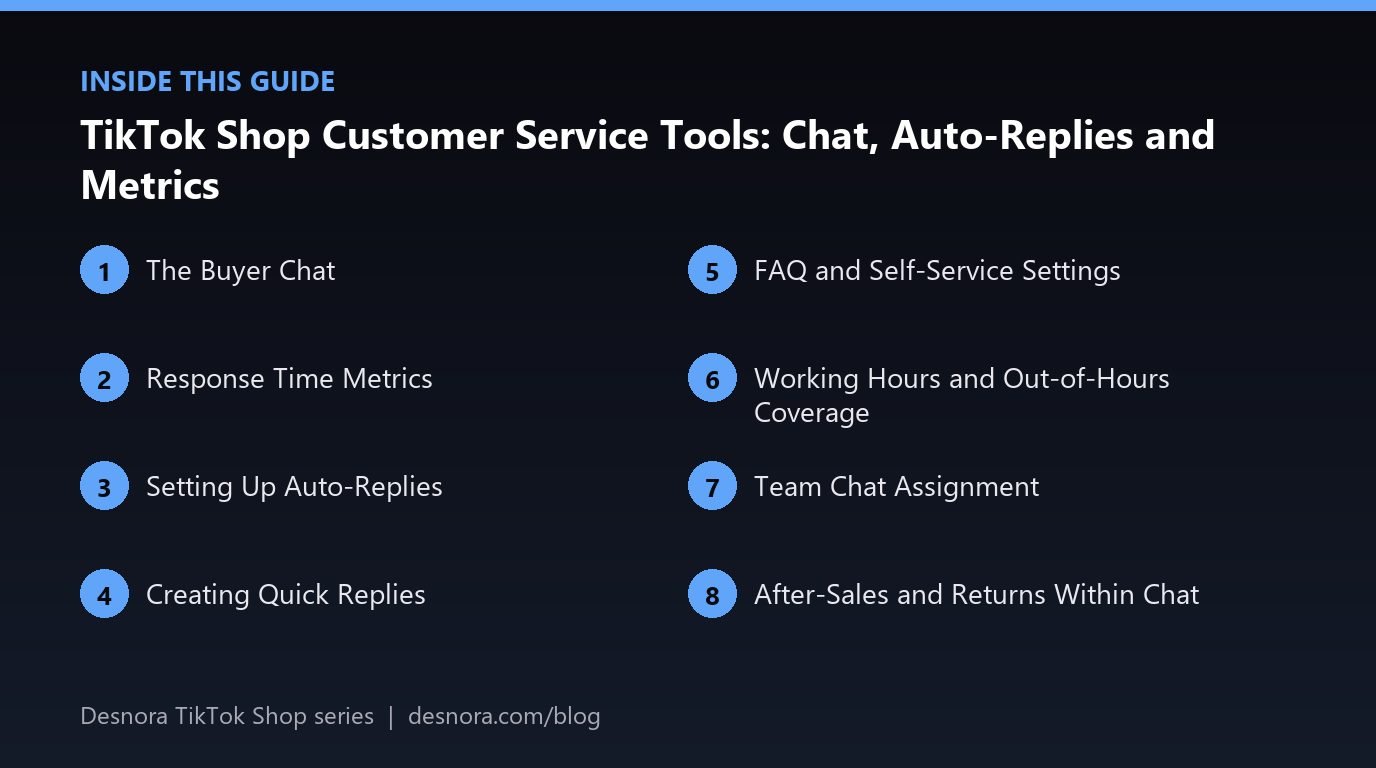
FAQ and Self-Service Settings
Some markets let you set up automatic FAQ answers or a menu of common questions in the chat. Buyers tap a question and receive an instant answer. This reduces repetitive messages. Base your FAQ on real questions: export or review recent chats and pick the ten most frequent topics.
Working Hours and Out-of-Hours Coverage
Define your customer service hours in settings where available, and staff those hours reliably. During campaigns, viral moments and peak seasons, extend coverage. Even a few short check-ins on evenings and weekends through the seller app make a big difference. Our seller app guide explains mobile messaging.
Team Chat Assignment
If several people answer chats, use sub-accounts with customer service permissions, and assign or route chats where the tool allows. Agree rules: who handles pre-sale questions, who handles returns, how to escalate complaints and how to hand over at shift changes. Use internal notes, where available, so the next person sees what was promised.
After-Sales and Returns Within Chat
Many after-sales issues start in chat: a damaged item, a missing part, a wrong size. Resolve what you can quickly, such as sending a missing part or explaining usage, and guide buyers through the official return or refund process where needed. Keep all agreements in the platform chat so they are visible if a dispute arises. Never ask buyers to move to another app, email or payment method, which breaks platform rules and removes protection. Our returns guide explains processes.
Rules for Chat Content
Chat messages must follow platform rules. Avoid sharing external links or contact details where prohibited, asking for reviews in exchange for incentives, pressuring buyers to cancel orders or using abusive language. Violations can affect account health. Train every agent on these rules.
Measuring Service Quality
Track response time, resolution time, the number of chats per hundred orders, common topics and customer satisfaction ratings where available. Rising chat volume about one product often signals a listing problem, such as unclear sizing or missing instructions. Fix the listing and the chats drop. Review service metrics weekly in your dashboard.
Handling Difficult Conversations
Stay calm and polite, acknowledge the problem, explain what you will do and by when, and follow through. Offer solutions within your policy. If a buyer is abusive or makes threats, keep replies professional and use the platform's reporting tools. Escalate complex disputes to a senior team member.
Pre-Sale Questions as a Sales Opportunity
Not every chat is a problem to solve; many are buyers deciding whether to purchase. Questions about size, shade, compatibility or delivery time are sales conversations. Answer them quickly and specifically, recommend the right variant and mention any current promotion that applies. Fast, confident answers to pre-sale questions often convert directly into orders, especially during LIVE sessions and after viral videos when many shoppers are deciding at once.
Handling Spikes in Message Volume
A viral video or big campaign can multiply chat volume overnight. Prepare by updating quick replies and FAQ answers before major campaigns, adding temporary staff to the chat rota and setting an auto-reply that answers the most likely questions. Prioritise chats about existing orders with problems, then pre-sale questions, then general enquiries. After the spike, review which questions dominated and update listings so the next spike is smaller.
Training New Agents
Give every new agent a short training pack: platform chat rules, your returns policy, product knowledge for top sellers, quick reply library, tone of voice guidelines and escalation rules. Have them shadow an experienced agent for a few days and review their first conversations together. Consistent training means consistent answers, which matters because buyers often compare what different agents told them.
A Worked Example: Cutting Chat Volume
A skincare brand notices that one serum generates many chats asking whether it can be used with retinol. The team adds a clear answer to the product description, creates a quick reply and adds the question to the chat FAQ. They also ask creators to mention it in videos. Chat volume for that product falls noticeably, and response times improve across the shop because agents have more time for other conversations.
Connecting Service to the Rest of the Business
Customer service sees problems before anyone else: a faulty batch, a confusing instruction, a carrier delivering late or a creator making an inaccurate claim. Create a simple weekly summary from chat topics and share it with product, operations and marketing teams. When service insights reach the people who can fix root causes, the whole shop improves, and the volume of avoidable messages keeps falling.
Tone of Voice
Customers notice tone as much as content. Write down a short tone guide: friendly but professional, clear rather than clever, and always polite even when the buyer is not. Use the buyer's name, avoid jargon and never blame the customer. Keep sentences short, because most buyers read replies on a phone. A consistent, warm tone across every agent makes the brand feel trustworthy and reduces escalations.
Customer Service Setup Checklist
- Learn how response time is measured in your market.
- Set working hours and staffing.
- Create a helpful auto-reply.
- Build quick replies for common questions.
- Set up FAQ answers where available.
- Assign chats and define escalation rules.
- Track service metrics and fix listing causes.
Desnora provides TikTok Shop customer service and operations support. Explore our TikTok Shop services or contact us.
Frequently Asked Questions
Where do I answer buyer messages on TikTok Shop?
In the chat or messaging centre in Seller Center and the seller app.
How fast should I reply to buyers?
As fast as possible, ideally within your market's target time. Check how response time is measured.
Do auto-replies count as responses?
In some markets they may not count for response-time metrics. Use them to set expectations, then reply properly.
What are quick replies?
Saved messages your team can insert quickly and personalise before sending.
Can several people answer chats?
Yes, using sub-accounts with customer service permissions and agreed assignment rules.
Can I send buyers to WhatsApp or email?
Generally no. Keep communication inside the platform where rules require it.
How do I reduce chat volume?
Find the most common questions and answer them in listings, FAQs and quick replies.
Can I ask buyers for reviews in chat?
Follow platform rules. Never offer incentives for positive reviews.
What should I do with abusive buyers?
Stay professional, use reporting tools and escalate to a senior team member.
Do service metrics affect my shop?
In many markets they contribute to shop performance indicators.
Should I set working hours?
Yes, where available, and staff them reliably, extending coverage during peaks.
How do I track service quality?
Monitor response time, resolution time, chats per order, topics and satisfaction ratings.
How do I handle a sudden spike in messages?
Update quick replies and FAQs before campaigns, add temporary staff and prioritise chats about existing order problems.
Are pre-sale questions important?
Yes. Fast, specific answers to size, shade or compatibility questions often convert directly into orders.