As brands grow, many move beyond a single warehouse. They might use a 3PL alongside their own stockroom, split inventory across regions for faster delivery, keep a separate location for samples and returns or combine their own stock with a platform fulfillment programme. TikTok Shop supports multiple warehouses in many markets, but the setup needs care to avoid stock errors and misrouted orders.
This guide explains how multi-warehouse setups generally work on TikTok Shop and how to manage them. Features vary by market and seller type, so check the warehouse and logistics settings available in your Seller Center.

Why Use Multiple Warehouses
- Faster delivery: shipping from a location closer to the customer.
- Capacity: spreading volume across locations during spikes.
- Resilience: backup if one location has problems.
- Specialisation: bulky items at one site, small items at another.
- Channel separation: dedicated stock for TikTok Shop versus other channels.
Adding Warehouse Addresses
Warehouses are usually added in the logistics or address settings of Seller Center. Each warehouse needs an accurate address, contact details and sometimes operating information for carrier pickups. Name warehouses clearly, for example "3PL North" or "Main Studio", so your team and integrations can identify them easily.
Stock at Location Level
In multi-warehouse setups, stock is typically tracked per warehouse rather than as a single number. A SKU might have 40 units at one location and 15 at another. Shoppers see total availability, while orders draw from a specific location. Keep stock accurate at each site, because a location showing stock it does not have will generate orders that cannot ship. Our stock management guide covers stock settings.
Order Routing
When an order arrives, it must be assigned to a warehouse. Depending on the system, routing may be automatic, based on stock and location, or managed by your order management system or integration. Define clear rules: nearest location with stock first, a priority location for certain products, or a single location for bundles to avoid split shipments.
Test routing with real orders before relying on it. Our order management guide explains routing logic.
Shipping Templates per Warehouse
Shipping templates are linked to warehouses. Make sure each location has templates with correct handling times and carriers. A 3PL may dispatch the same day while your own stockroom needs two days; templates should reflect each. Our shipping templates guide explains configuration.
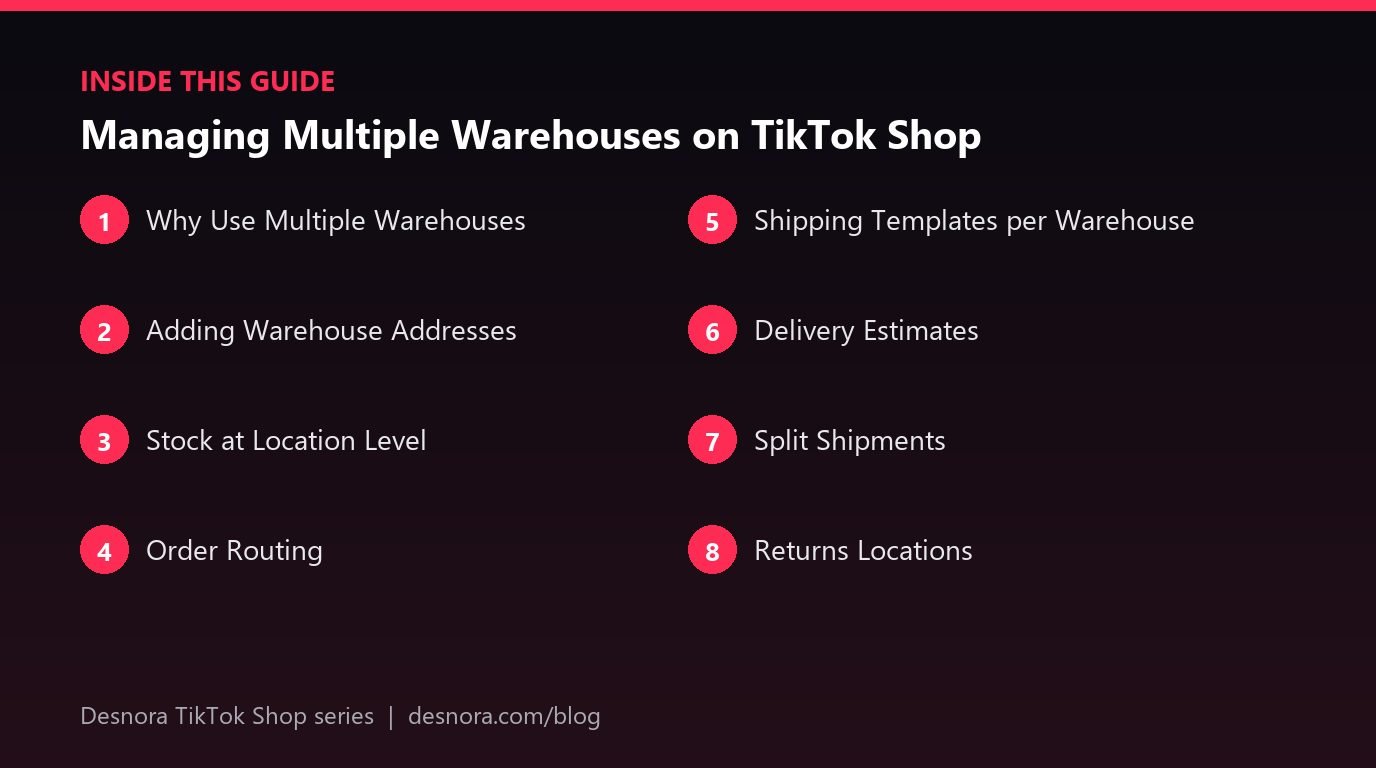
Delivery Estimates
Delivery estimates shown to shoppers can depend on which warehouse holds stock. Shipping from a closer location may show faster delivery, which can improve conversion. Keep stock distributed sensibly so most customers see good estimates.
Split Shipments
If an order contains items stored in different warehouses, it may ship in multiple parcels, each with its own tracking. Split shipments cost more and can confuse customers. Reduce them by keeping commonly bought-together items in the same location and storing bundle components together.
Returns Locations
Decide where returns should go: one central returns address or the original warehouse. A central returns location simplifies inspection and restocking, but returned items must then be transferred back into sellable stock at the right location. Update stock after inspection. Our returns guide covers the process.
Integrations and Warehouse Mapping
If you use Shopify, WooCommerce, Amazon MCF or an OMS, map each warehouse correctly between systems. Location names and IDs must match, or stock may sync to the wrong place. After any change to warehouses, check mappings and test an order.
Platform Fulfillment Plus Your Own Stock
Some sellers combine platform fulfillment for top sellers with their own warehouse for the rest. In that case, stock in the platform's warehouse is usually managed through the platform's inbound process, while your own stock is managed directly. Keep clear records of which SKUs live where.
Peak Season Planning
Before peaks, rebalance stock across locations based on forecasts, confirm each warehouse's capacity and agree surge plans. Our inventory forecasting guide explains how to plan.
A Worked Example: Own Studio Plus a 3PL
A growing apparel brand ships everything from its own studio until a viral video triples daily orders. It signs with a 3PL and moves its ten bestselling SKUs there, while keeping limited editions, samples and returns at the studio. In Seller Center, the brand adds the 3PL as a second warehouse with a clear name, creates a shipping template for it with a same-day handling time and keeps the studio template at two days.
Stock for the bestsellers is transferred and recorded at the 3PL location, while the studio keeps its own counts. The brand configures routing so orders for bestsellers go to the 3PL, and orders containing only limited editions go to the studio. To avoid split shipments, popular combinations such as a t-shirt and matching tote are both stocked at the 3PL. The brand places test orders for each scenario before the next creator campaign goes live, and watches the first week of orders closely to catch routing errors early.
Stock Transfers Between Warehouses
Moving stock from one location to another is a common source of errors, because units are in transit and belong to neither site for a few days. The safest approach is to reduce stock at the sending warehouse when goods leave, and increase stock at the receiving warehouse only when they are counted in. That way you never sell units that are sitting in a truck. Keep a simple transfer log with dates, SKUs and quantities so discrepancies can be traced.
Reporting by Warehouse
With more than one location, track performance per warehouse: orders shipped, average dispatch time, late shipments, picking errors and return rates. If one location consistently ships late, it can drag down shop-wide shipping metrics and visibility. Reports from your OMS or 3PL usually provide these figures; combine them with Seller Center data in a simple weekly view. Our guide to data exports and dashboards shows how to build one.
When a Single Warehouse Is Better
Multiple warehouses add complexity, cost and room for error. If your volume is modest, your customers are concentrated in one region and one location can handle peaks, a single warehouse is usually simpler and cheaper. Consider adding locations when delivery speed to distant customers is hurting conversion, when one site cannot cope with peaks, or when the risk of a single point of failure becomes too costly. Start with two locations, get routing and stock accuracy right, and only then expand further.
Communicating With Warehouse Partners
Every warehouse partner should know your service standards: dispatch deadlines, packaging requirements, inserts, labelling rules and how to handle exceptions. Share a calendar of upcoming campaigns and creator pushes so each location can plan staff. Agree who updates stock in Seller Center or the integration, and how quickly discrepancies are reported. Clear communication prevents most multi-warehouse problems.
Cycle Counts at Every Location
Stock accuracy matters even more with several warehouses, because a small error at each site adds up. Run regular cycle counts, counting a portion of SKUs each week rather than the whole warehouse once a year. Prioritise fast-moving SKUs and items featured in upcoming creator campaigns. Compare counted stock with Seller Center and your integration, investigate differences and correct them the same day.
Common Mistakes
- Unclear warehouse names that confuse staff and integrations.
- Stock recorded at the wrong location.
- No routing rules, leading to split or misrouted orders.
- Same handling time for locations with different speeds.
- Returns not restocked to the correct location.
Desnora sets up multi-warehouse operations and integrations for TikTok Shop brands. Explore our TikTok Shop services or contact us.
Frequently Asked Questions
Can I use more than one warehouse on TikTok Shop?
Many markets support multiple warehouses. Check the warehouse and logistics settings in your Seller Center.
How is stock tracked across warehouses?
Typically per location, with shoppers seeing total availability while orders draw from a specific warehouse.
How are orders assigned to warehouses?
Through automatic routing, integration rules or your order management system, based on stock and location.
Do different warehouses need different shipping templates?
Often yes, especially if their dispatch speeds or carriers differ.
What is a split shipment?
An order shipped in several parcels from different warehouses, each with separate tracking.
Where should returns go with multiple warehouses?
Either a central returns address or the original warehouse. Restock items to the correct location after inspection.
Can I combine platform fulfillment with my own warehouse?
Many sellers do, keeping clear records of which SKUs are stored where.
Why did an order go to the wrong warehouse?
Usually because of incorrect stock at a location or wrong routing or integration mapping.
Do multiple warehouses improve delivery estimates?
They can, when stock is closer to customers.
How should I prepare warehouses for peak season?
Rebalance stock, confirm capacity at each location and agree surge plans with partners.
How do I move stock between warehouses?
Reduce stock at the sending location when goods leave and increase it at the receiving location only after they are counted in.
Is one warehouse ever better than several?
Yes. If volume is modest and customers are concentrated, one warehouse is simpler and cheaper.
How often should I count stock at each warehouse?
Run weekly cycle counts on a portion of SKUs, prioritising fast movers and items in upcoming campaigns.